
 See all our equipment
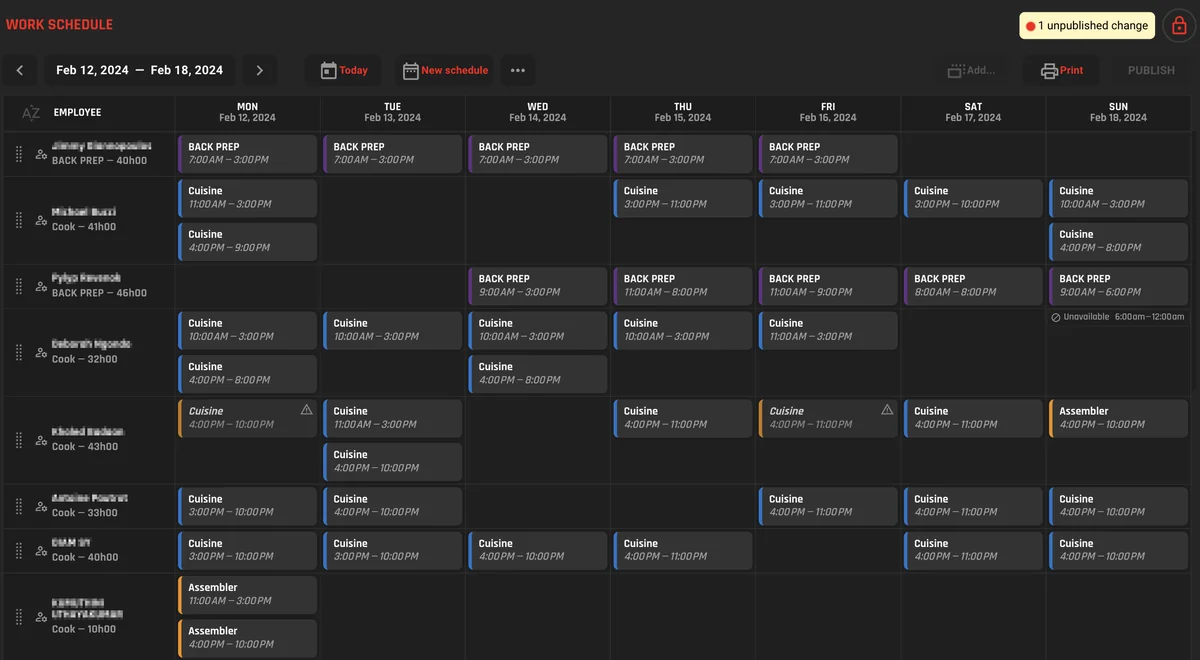
Schedules built in RESTOCK
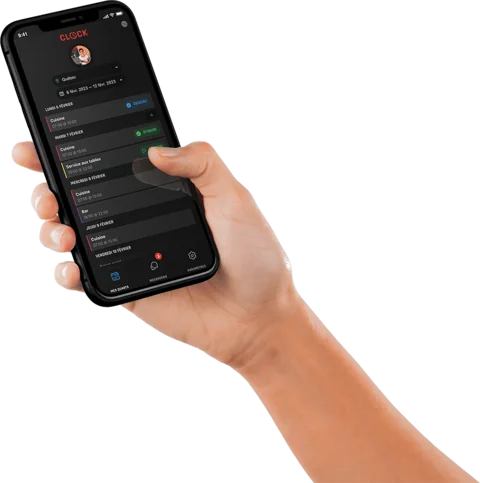
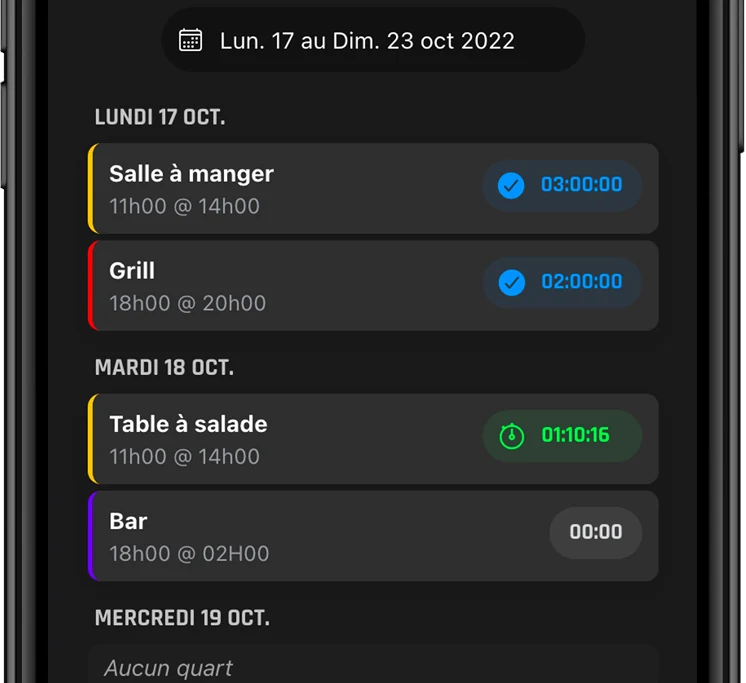
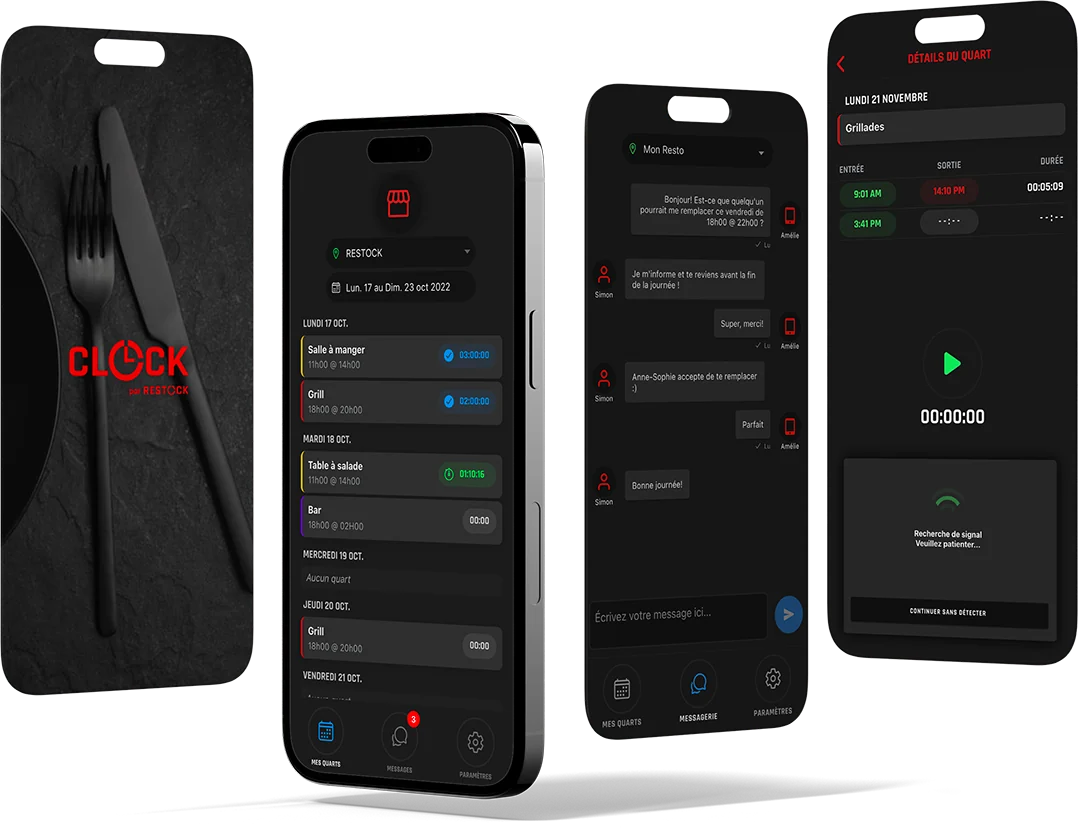
Managers add employees and stations and build the work schedule in RESTOCK. Each employee gets an invitation to install the app at no charge and see their shifts.
 by RESTOCK
Tip agreements, time clock and scheduling
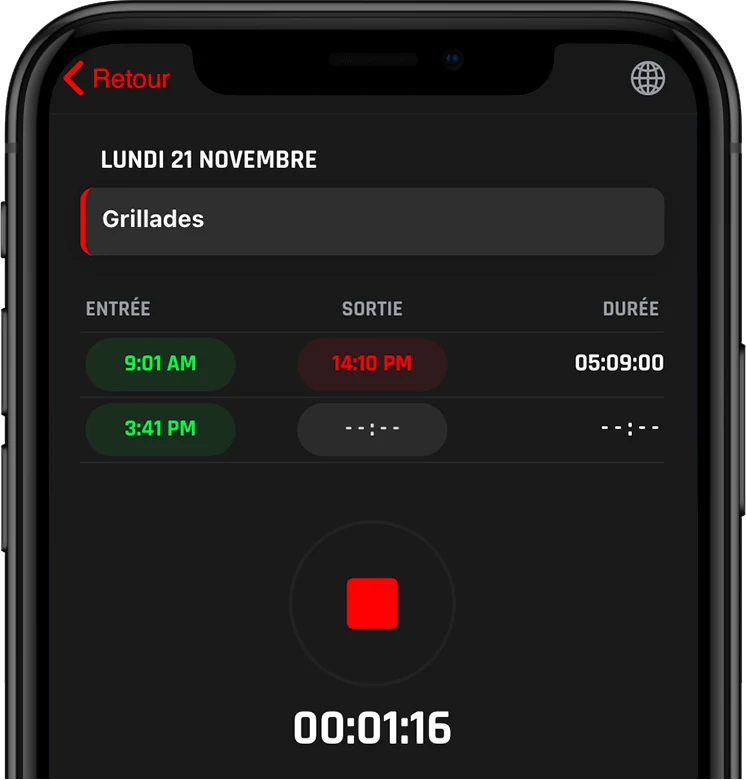
CLOCK is a shift management app connected to RESTOCK. Your team sees its shifts and clocks in and out from a phone, CLOCK applies your tip agreement to the hours actually worked, and your payroll ratio updates in real time.
In English or in French, with a team that answers in both.
Your tip agreement is set once in CLOCK. From then on, it is applied to the punched hours every pay period, and the tip report is ready when payroll is.
Set your rules once and the tips split themselves every pay cycle: by hours, by station, the way your house does it. When payroll comes, the numbers are ready instead of reconstructed.
The split uses the punches, not the schedule, so a shift that ran long or ended early counts the way it was worked.
Weekly, biweekly or your own calendar, and the tip report follows it. Transparent for the team, done for you.
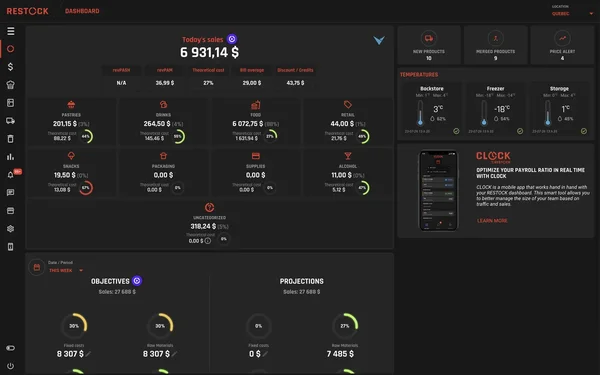
Schedule, punches and sales in one place, so you can see labour as a percentage of what you're actually selling, early enough to cut a shift or call someone in.
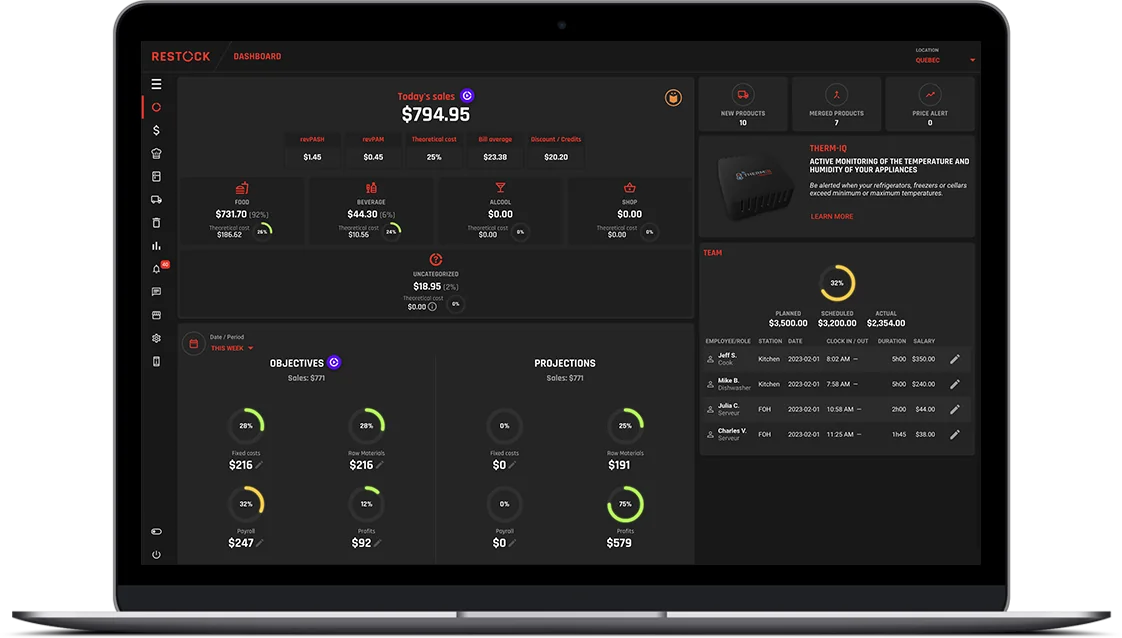
11 on · target 26%
An NFC tag, in your restaurant
Called out at 3:41, confirmed at 3:52
Yes, a free app on their phone. They see their shifts, clock in and out, and message the team. With an NFC tag, the punch is confirmed on site.
Because your hours live next to your sales and your costs here. That's where a live payroll ratio comes from. A number someone assembles after the fact can't steer a shift.
You set the rules (who shares, how it splits, on what cycle) and CLOCK applies them to the punched hours every pay period. Transparent for the team, done for you.
CLOCK runs on the same account and the same numbers as RESTOCK. It's an add-on, with its own monthly price per location, shown on the pricing page.
Every part of RESTOCK reads from the same numbers.
Thirty minutes with one of our advisors.