

 See all our equipment
Where the money went
Shows you the gap, item by item
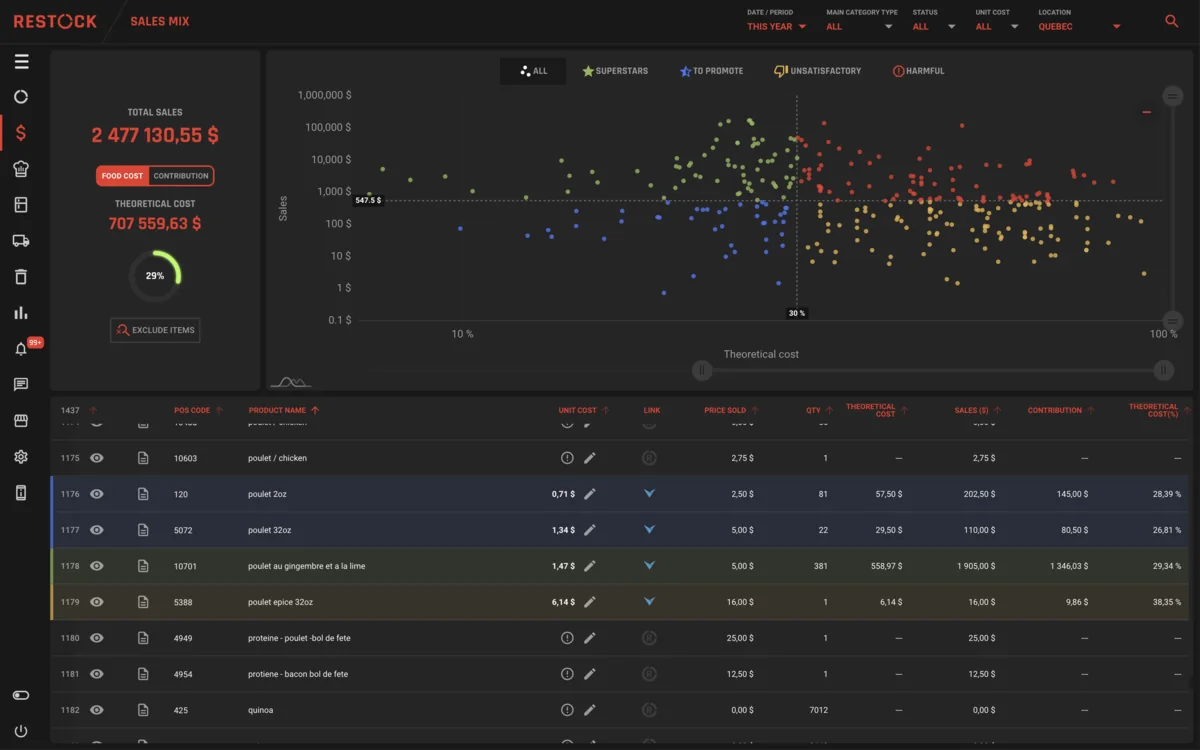
Food cost software: actual vs theoretical
Every invoice prices your recipes and every sale moves the shelf, so from one count to the next RESTOCK names the gap item by item. Nobody rebuilds the food cost in a spreadsheet, and month-end stops being a scramble.
In English or in French, with a team that answers in both.
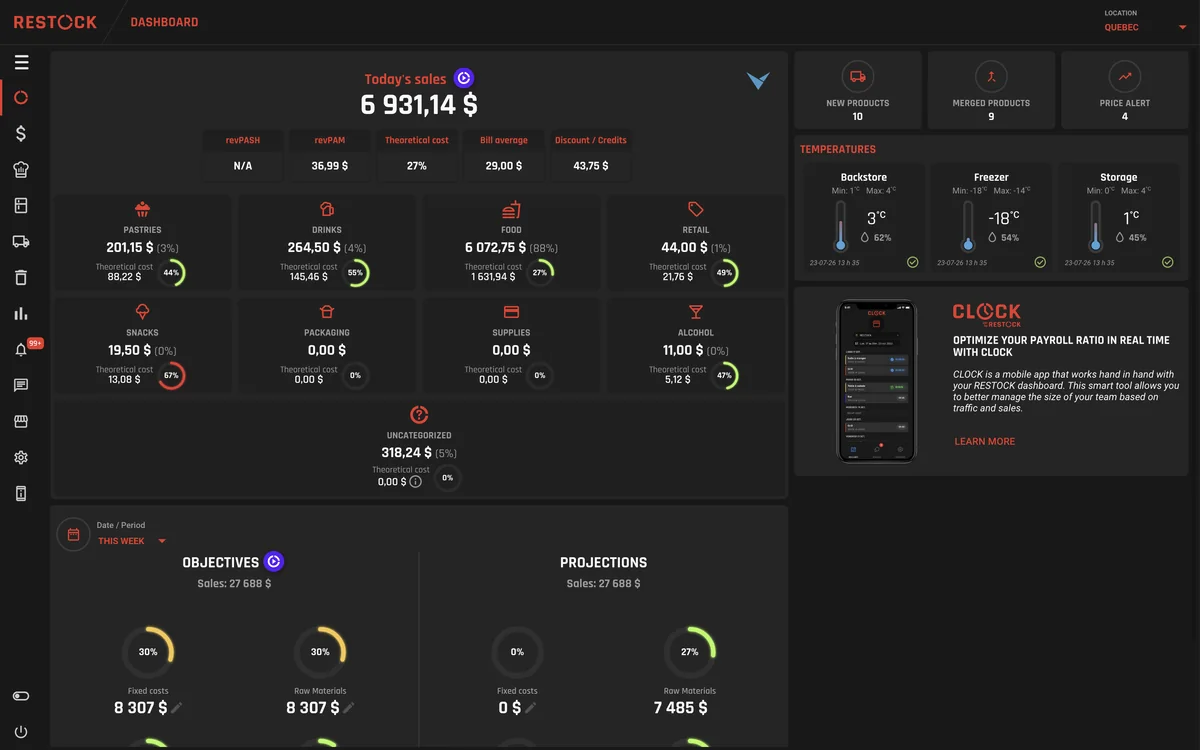

You get the two numbers side by side: what your food cost should have been, and what it actually was, against the sales that paid for them.
Instead of knowing your food cost slipped, you know it was the ribeye, the well vodka and the frites. Whether it's over-portioning, waste, breakage or something worse, you stop guessing which one it is, and you stop suspecting everybody.
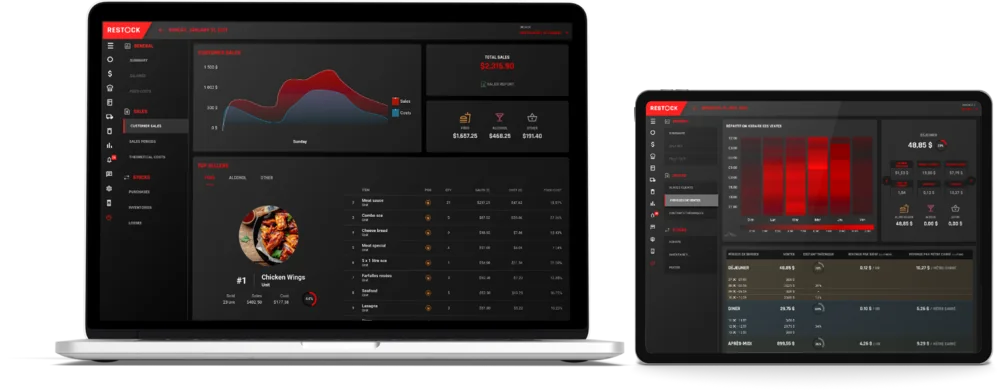
Sales by day and by period, losses you reported, targets by category, and the daily breakdown of spend and profit. Printable, and readable without an accounting degree. Month-end stops being a scramble.
Where the money went
Month-end
Purchases and price movements show up right away. The full picture (what you should have versus what you counted) arrives once RESTOCK has watched a full cycle of your kitchen, which is what makes it trustworthy when it does.
RESTOCK values what you use in the order it came in: first in, first out. If you bought a case at $80 three weeks ago and the new one cost $92, your dishes carry the old case until it's used up. Your cost reflects what's actually on the shelf, not just the latest price.
Then you found money. A big gap is a list of named items, not a verdict. Start with the three biggest lines, and the next period tells you whether it worked.
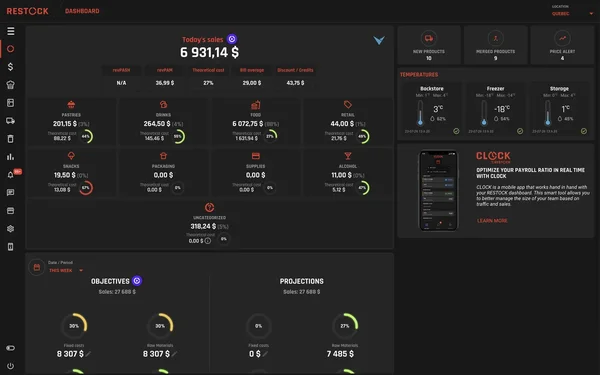
Inventory is one part of it. The same system carries your purchasing, your recipes and margins, your ordering, your scheduling and hours, and the reporting across all of it, which is the point, because those numbers only tell the truth when they're looking at each other.
Every part of RESTOCK reads from the same numbers.
Thirty minutes with one of our advisors.